
How to use AdLibrary.com
Sections
A Unified Ad Intelligence & Creative Research Platform
AdLibrary is a unified ad intelligence and creative research platform that helps marketers explore competitor ads across platforms and extract reusable creative insights.
This demo highlights the core workflow: finding ads, understanding why they work, and turning patterns into testable ideas.
What Problem Does AdLibrary Solve?
Most teams don’t struggle to find ads. They struggle to make sense of them.
Ad research usually turns into:
- endless scrolling
- saved ads without context
- opinions instead of patterns
- creative decisions based on gut feeling
AdLibrary replaces this with structured, comparable, and reusable insight.
What Makes AdLibrary Different From an Ad Spy Tool?
AdLibrary is not built to “spy.” It is built to recognize patterns.
Traditional ad spy tools answer one question: “What ads are running?”
AdLibrary answers deeper ones:
- Why is this ad running?
- Why has it been running this long?
- What structure is reused across variants?
- How can this be adapted, not copied?
How AdLibrary Works
1. Unified Ad Search
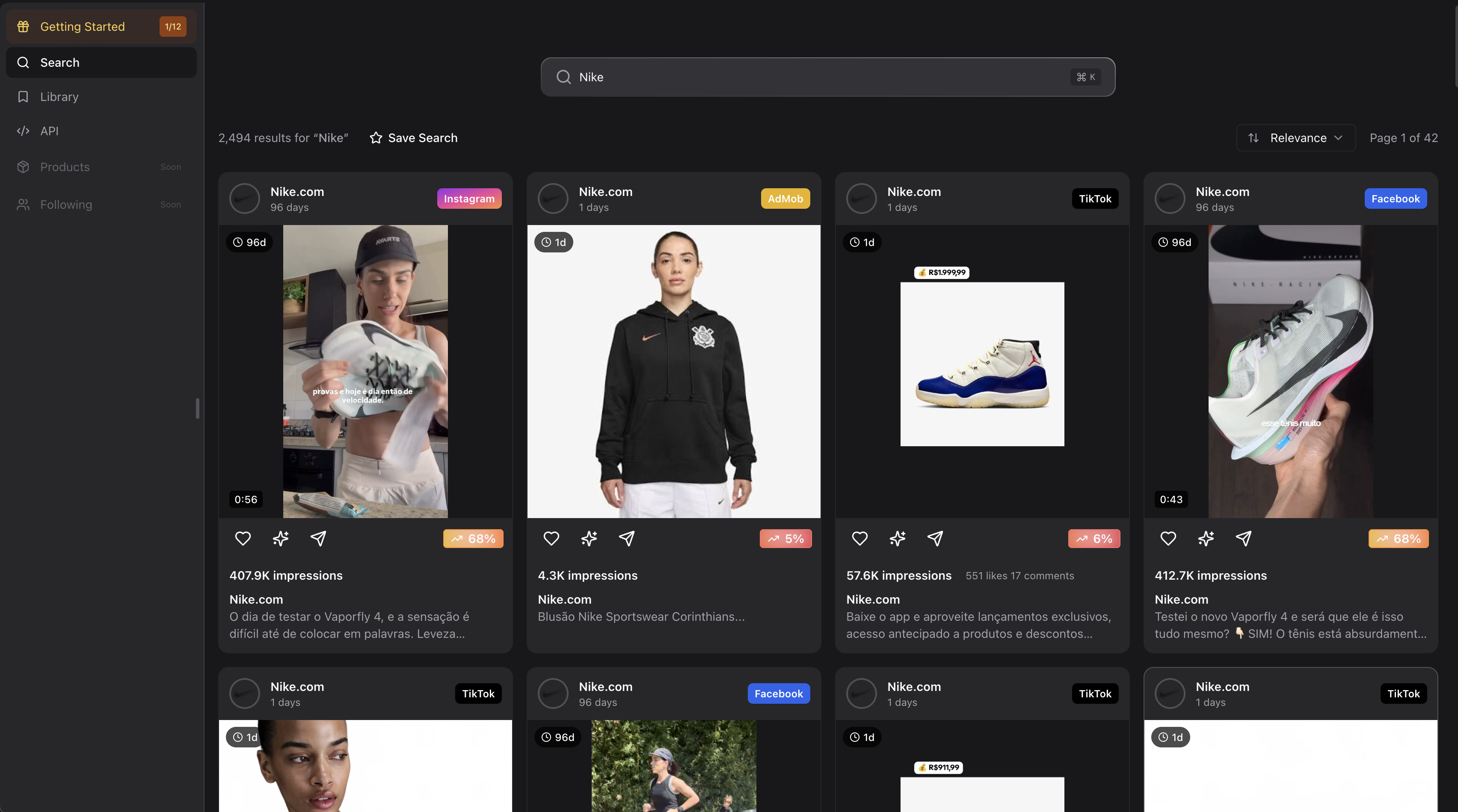
You search by keyword, brand, or product concept such as “Nike”, “AI fitness app”, or “protein powder”.
AdLibrary returns a single, normalized feed of ads from multiple platforms, ready to scroll, save, and inspect.
2. Multi-Platform Coverage
Ads are indexed across platforms such as Facebook, Instagram, TikTok, YouTube, AdMob, Unity Ads, Pinterest, and more.
Each platform keeps its own creative logic instead of being flattened.
3. Platform, Geo & Format Filters
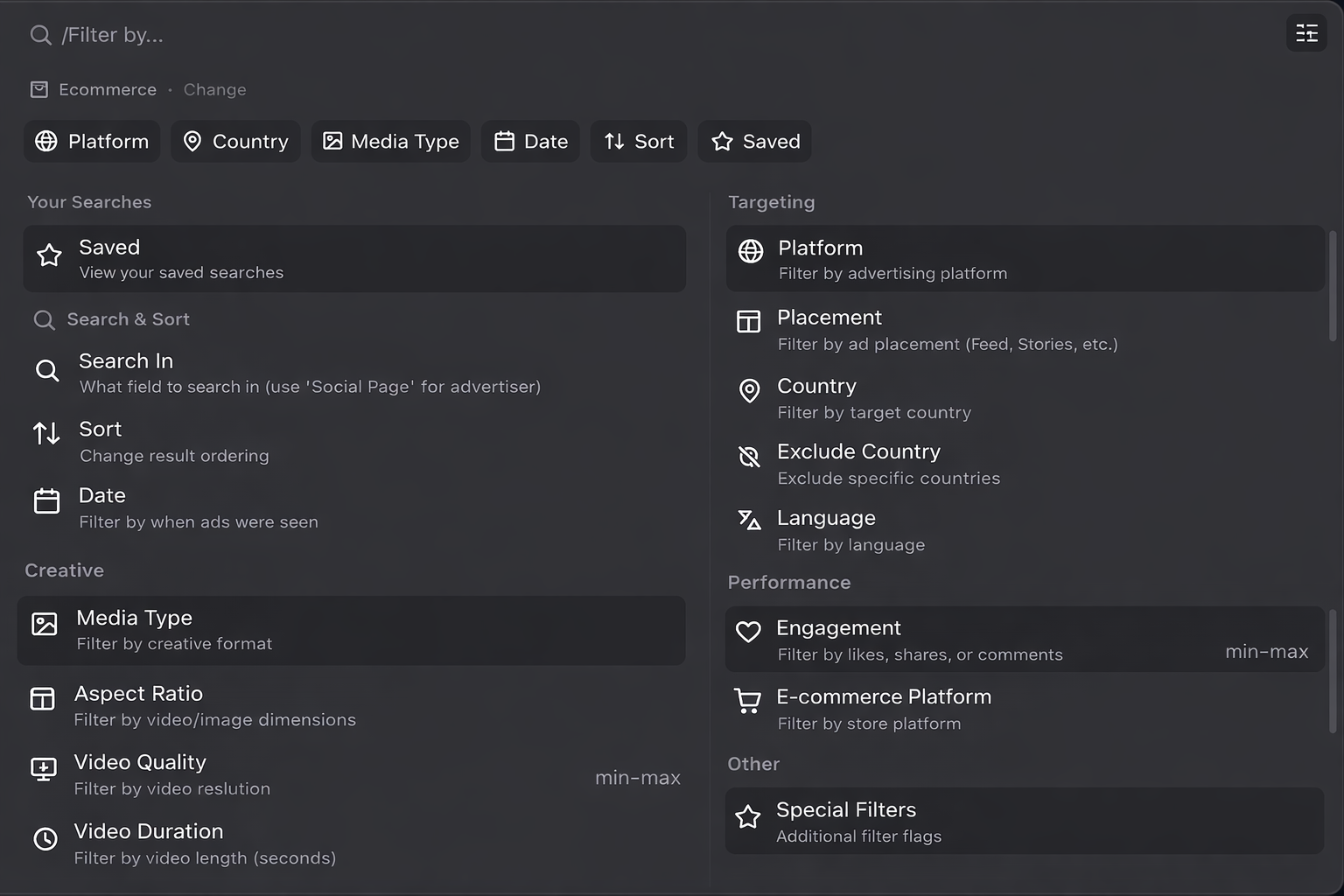
Ads can be filtered by platform, country, language, and creative format.
This keeps insights comparable within the same creative environment.
4. Timeline & Freshness Analysis
Ads can be filtered by date range, days running, first seen, and last seen.
Long-running ads indicate stability. New ads indicate testing.
5. Ad Detail View & Funnel Inspection
Clicking an ad reveals copy, creative specs, metadata, and the live landing page.
This connects the ad directly to the offer and funnel.
6. AI Ad Enrichment
Ads can be enriched with AI to extract structured insights.
This includes hooks, angles, audiences, emotional triggers, and reusable patterns.
7. Saving & Reusing Ads
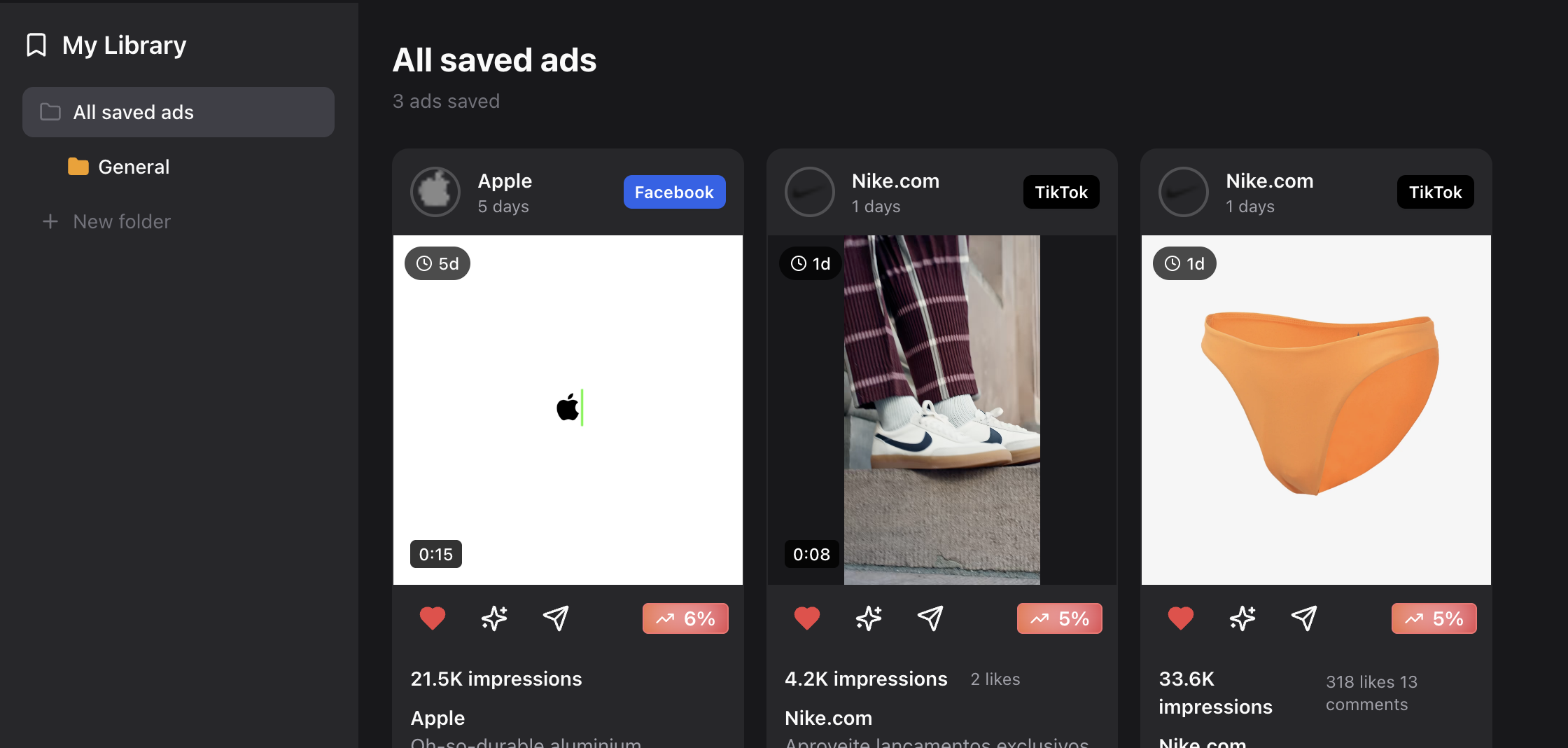
Ads can be saved into a personal, searchable library.
Saved ads become briefing material and future test backlogs.
Who Is This Demo For?
This demo is built for:
- performance marketers
- growth teams
- agencies
- founders running paid acquisition
- creatives who want structure instead of guesswork
The Core Idea
AdLibrary is not about spying.
It is about turning ads into insight and insight into execution.
That is the product.