
How to Build an AI Marketing Assistant with Claude Code
Learn how to set up Claude Code, even with no technical experience, to build a powerful AI marketing assistant. This guide provides a step-by-step process for automating marketing workflows, from content creation to paid ad copy, by turning your existing knowledge into repeatable AI-driven tasks.

Sections
Understanding the AI Marketing Assistant Concept
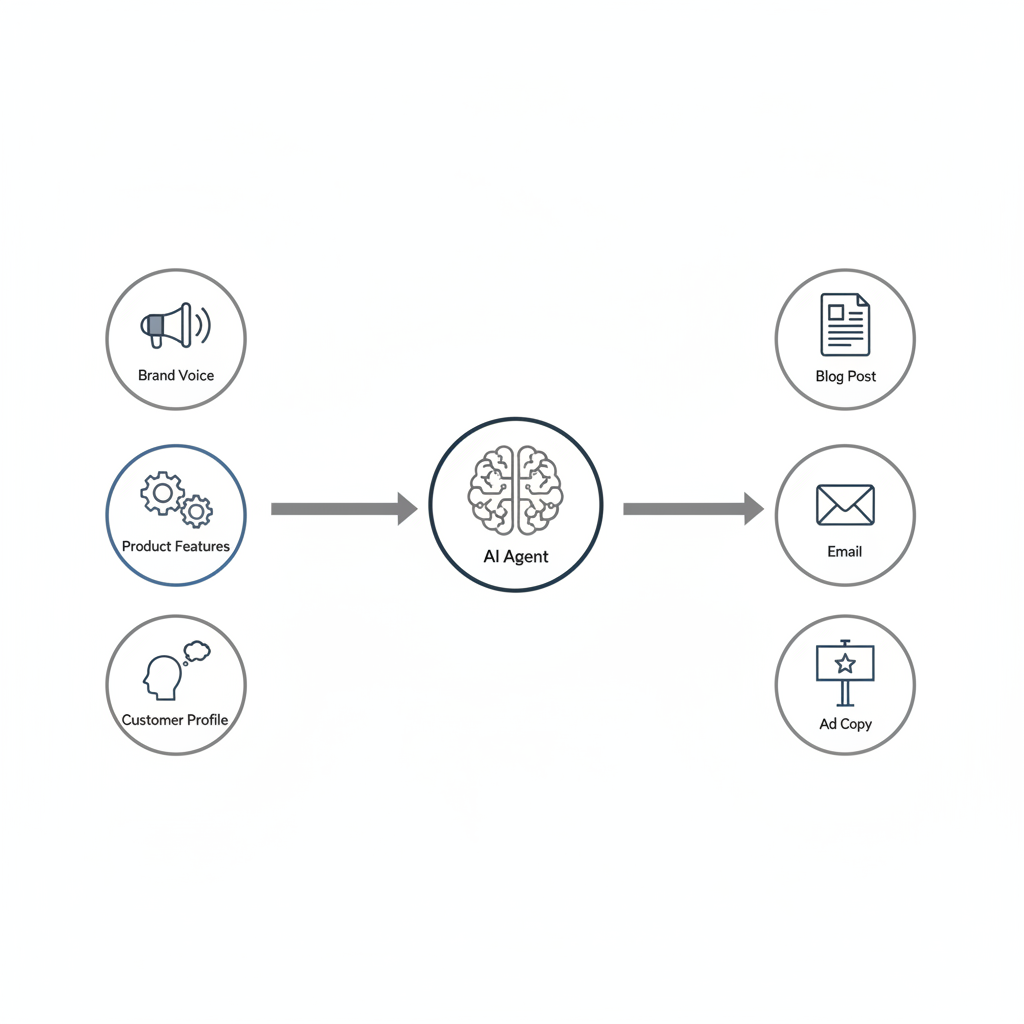
An AI marketing assistant is a system designed to operate as a centralized hub for your marketing efforts. By providing it with deep context about your brand, products, customers, and overall strategy, it can execute a wide range of tasks across multiple channels. This approach moves beyond simple one-off prompts and builds a cohesive, knowledgeable agent that understands your business goals.

Instead of having siloed efforts for SEO, email, and social media, you can create a single project where an AI agent accesses shared context to ensure brand consistency and strategic alignment. The core idea is to structure different marketing functions—like SEO, email marketing, and paid acquisition—as distinct but interconnected 'pillars' within a single, intelligent system.
Setting Up Your Workspace: A 15-Minute Guide
This setup process requires no prior coding experience and establishes the foundation for building your marketing automations. The main tool is Visual Studio Code , a popular code editor that will serve as your primary workspace.
Step 1: Install Visual Studio Code (VS Code)
VS Code acts as the user interface for interacting with Claude Code. Think of it as a specialized document editor for building applications and automations.
- Navigate to the official Visual Studio Code website.
- Download the appropriate version for your operating system (macOS, Windows, or Linux).
- Open the downloaded file and follow the installation instructions.
Step 2: Open the Terminal and Install Claude Code
The terminal is a command-line interface built into VS Code. You will use it to run the installation commands.
- Open VS Code.
- In the top menu bar, find the option to open a new terminal (often under 'View' or 'Terminal'). A panel will appear at the bottom of the screen.
- Copy and paste the official installation command from the Anthropic website into the terminal.
- Press Enter and wait for the installation process to complete. If you encounter any errors, you can copy the error message and ask an LLM like Claude or ChatGPT for a solution.
Step 3: Add the Core Skills Pack
Skills are pre-built capabilities that extend what Claude Code can do, such as designing user interfaces or creating documents. The official skills pack from Anthropic provides a versatile starting point.
- In the same terminal window, paste the command to add the
anthropics/skillsmarketplace. - Next, run the command to install the example skills pack.
- These skills will be automatically invoked by Claude Code when it recognizes a task that requires them.
Step 4: Launch and Authenticate Your Account
After installation, you need to launch Claude Code for the first time and connect it to your Anthropic account.
- Type
claudeinto the terminal and press Enter. - Your web browser should open automatically, prompting you to log in to your Anthropic account.
- Authorize the connection. Once authenticated, you can return to VS Code.
Step 5: Install the VS Code Extension
While you can use the terminal, the official VS Code extension offers a more intuitive chat-based interface for daily use.
- In the left sidebar of VS Code, click the 'Extensions' icon (it looks like four squares).
- Search for "Claude".
- Find the official extension from Anthropic (it will have a verification checkmark) and click 'Install'.
- A Claude icon will now appear in your sidebar, allowing you to start new chat sessions easily.
Step 6: Create Your First Project Folder
All the files, context, and automations you build will be saved in a dedicated project folder.
- In the VS Code top menu, go to 'File' > 'Open Folder'.
- Create a new folder on your computer (e.g., 'AI-Marketing-Assistant').
- Select the newly created folder to open it as your workspace.
Building Your Marketing Playbook with Custom Skills
With the setup complete, you can begin teaching the AI your specific marketing processes. This is done by creating 'Custom Skills' and providing detailed context files.
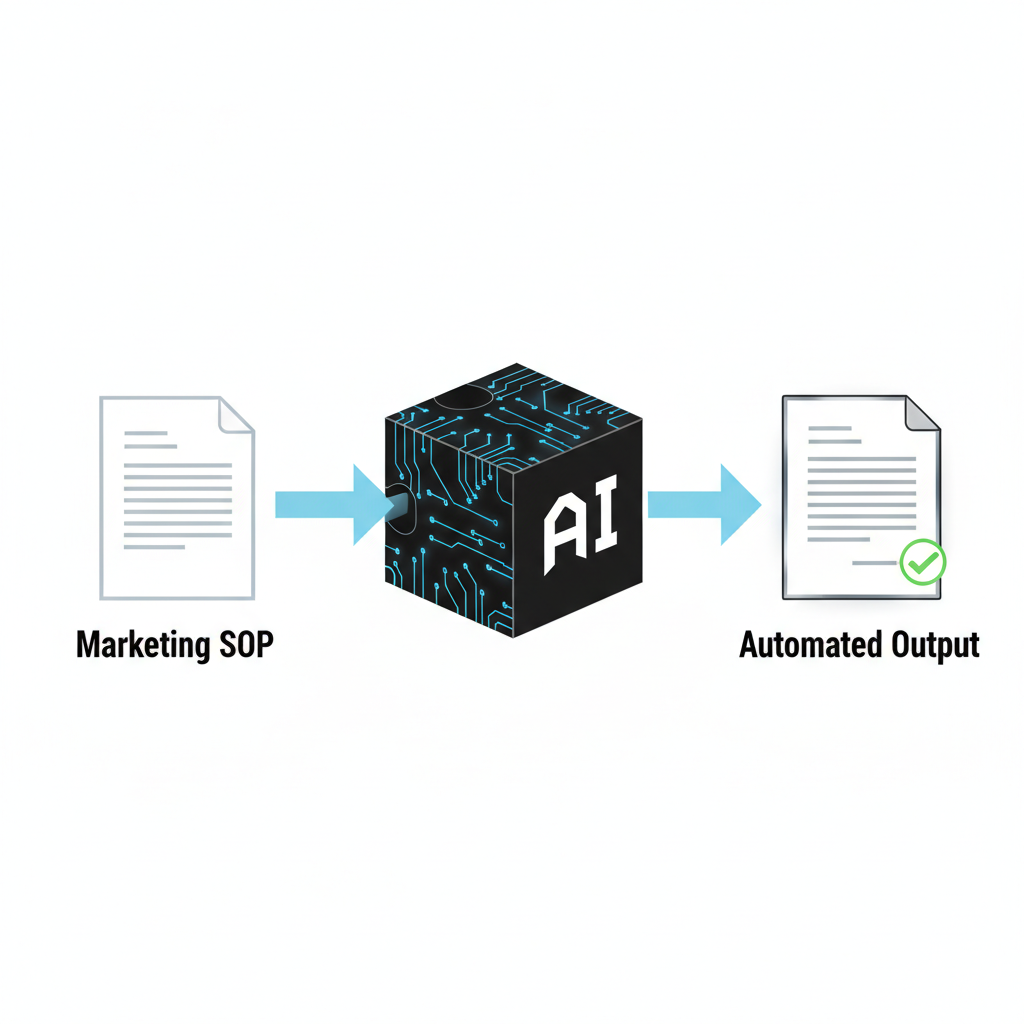 Standard Operating Procedure (SOP) is turned into an automated AI skill." loading="lazy">
How Custom Skills Work
A custom skill is essentially a structured Standard Operating Procedure (SOP) that Claude Code can follow. You can create a skill for any repeatable marketing task, such as writing a product update email, outlining a blog post, or generating ad copy variations. To create one, simply ask Claude Code in the chat interface: "Create a skill for my [task name] framework." It will generate the necessary file structure for you to fill in with your process.
Turning Frameworks into Reusable Skills
You can codify any effective marketing framework into a skill. This includes proprietary internal processes or proven public models from industry experts. For example, you can create skills based on established frameworks for landing page design, offer creation, or email sequencing. This ensures the AI consistently follows best practices you've defined.
Providing Core Business Context
For the AI to be effective, it needs to understand your business deeply. Create a 'context' folder within your project and add files detailing key information:
- Brand Voice: Describe your tone, messaging style, and provide examples of existing content.
- Product Features: List and explain all product features and their benefits.
- Ideal Customer Profile (ICP): Detail your target audience, their pain points, and their 'jobs to be done'.
- Positioning & Value Props: Explain your market positioning and unique value propositions.
Claude Code will reference these files automatically when executing tasks, ensuring all outputs are on-brand and strategically sound.
Common Mistakes to Avoid
Building an AI assistant is a process of iteration. Avoid these common pitfalls to streamline your progress.
Neglecting the Context Files
Relying on the AI's general knowledge without providing specific business context will result in generic and off-brand outputs. Always start by building a robust set of context files. The quality of the AI's work is directly proportional to the quality of the information you provide.
Fearing Terminal Errors
Non-technical users may find terminal errors intimidating. However, these errors are often simple to resolve. A common practice is to copy the entire error message and paste it into a separate AI chat tool, asking for a step-by-step solution. This troubleshooting method is highly effective for installation and configuration issues.
Starting Too Broadly
Attempting to build the entire multi-channel marketing machine at once can be overwhelming. Begin with a single, well-defined task. For example, create a custom skill for writing SEO-optimized blog post outlines. Once you have perfected one skill, you can use it as a template to build out other marketing functions.
Related Tools
Frequently Asked Questions
Do I need to know how to code to build an AI marketing assistant?
No, this guide is designed specifically for non-technical users. The process relies on using a chat interface within a code editor to give instructions in plain language, and the AI handles the file creation and structuring for you.
What is the difference between an AI command and an agent?
A command is a direct, one-time instruction you give the AI to perform a specific task, like '/write-blog-post'. An agent is a more autonomous process that can run in the background to monitor things or perform ongoing tasks based on a set of rules.
Can Claude Code access my local files for context?
Yes, one of its key strengths is its ability to read and analyze local files and entire project folders. This is how it gathers deep context about your brand, product, and customers to produce highly relevant outputs.
What kind of marketing tasks can be automated with this system?
You can automate a wide range of tasks, including SEO research and content writing, generating email campaigns, drafting paid ad copy and social media posts, and creating outreach templates for partnerships or influencer marketing.
Key Terms
- Claude Code
- An AI-powered tool designed to assist with coding, automation, and other complex tasks by operating within a code editor like VS Code.
- IDE (Integrated Development Environment)
- A software application that provides comprehensive facilities to computer programmers for software development. For this guide's purpose, VS Code is used as the IDE.
- Terminal
- A text-based interface used for executing commands on a computer. It is used for the initial installation and setup of tools like Claude Code.
- Custom Skill
- A user-defined, reusable set of instructions or a framework that teaches the AI how to perform a specific, repeatable task according to a defined process.
- Context
- The background information, documents, and data provided to the AI to ensure its responses and generated content are accurate, on-brand, and relevant to the business.
- Agent
- An AI process that can operate autonomously in the background to perform ongoing or complex tasks based on predefined instructions and context.