
How to Integrate NotebookLM with Anti-gravity for Advanced Automation
Combine the research power of NotebookLM with the application-building capabilities of Anti-gravity to create sophisticated, automated workflows. This integration allows you to build systems that leverage vast knowledge bases without incurring high token costs or performance issues.

Sections
Understanding the Core Concepts
Before diving into the integration process, it's essential to understand the roles of each component. Think of NotebookLM as the 'researcher' or 'reader'—it ingests, understands, and holds context from dozens of documents, videos, and other sources. In contrast, Anti-gravity acts as the 'builder'—it constructs software, connects systems, and serves as your central command center.
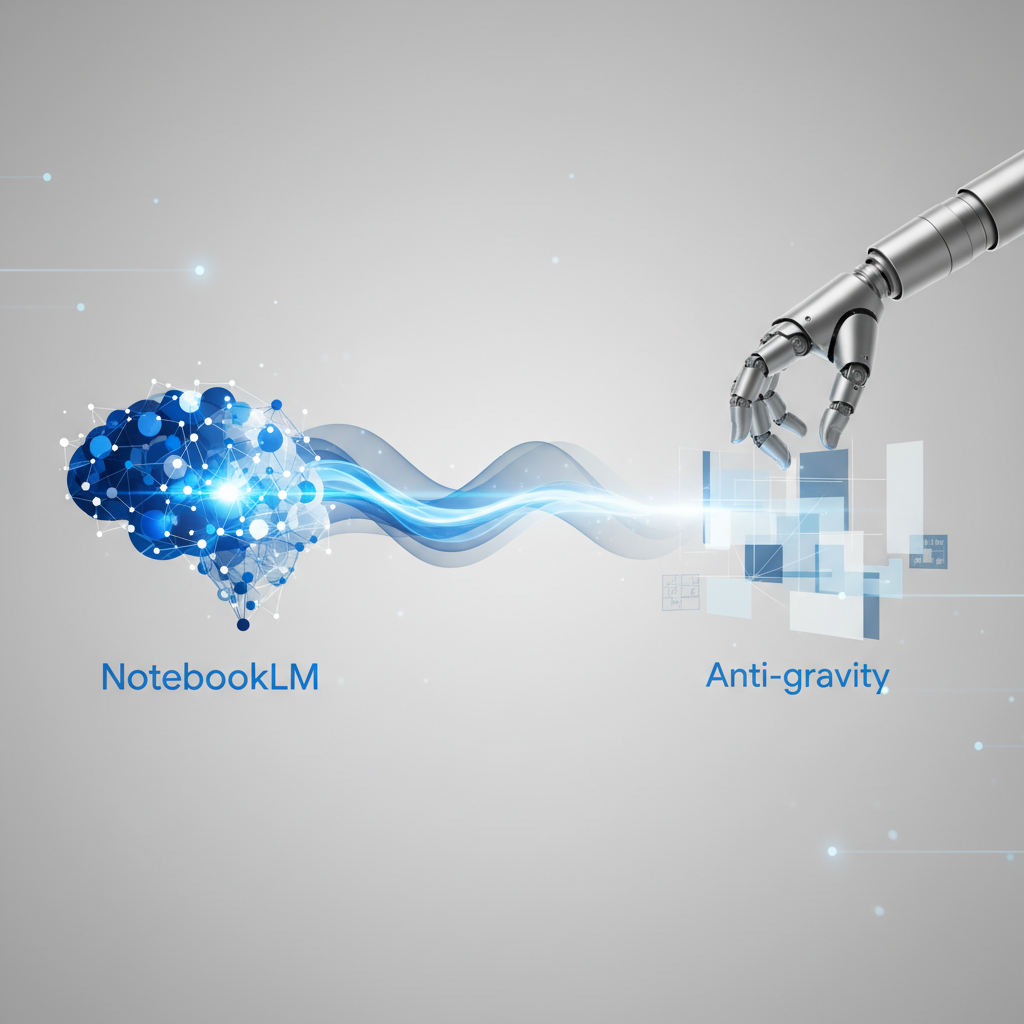
The primary issue with using large files directly in an AI builder like Anti-gravity is the token cost; every time the AI needs to read the files, it consumes resources, which can be expensive and slow. By connecting NotebookLM, you externalize the knowledge base, allowing Anti-gravity to query vast amounts of information efficiently. This not only solves the cost problem but also unlocks advanced capabilities for programmatic research and application development.
Key Components of the Integration
- NotebookLM: A tool designed to understand and synthesize information from various sources into a centralized, queryable knowledge base.
- Anti-gravity: A platform for building applications, websites, and AI systems, capable of connecting to various tools and services.
- Model Context Protocol (MCP): The technology that acts as a universal connector, allowing Anti-gravity to communicate with and control other applications like NotebookLM.
Step-by-Step Setup: Connecting NotebookLM and Anti-gravity
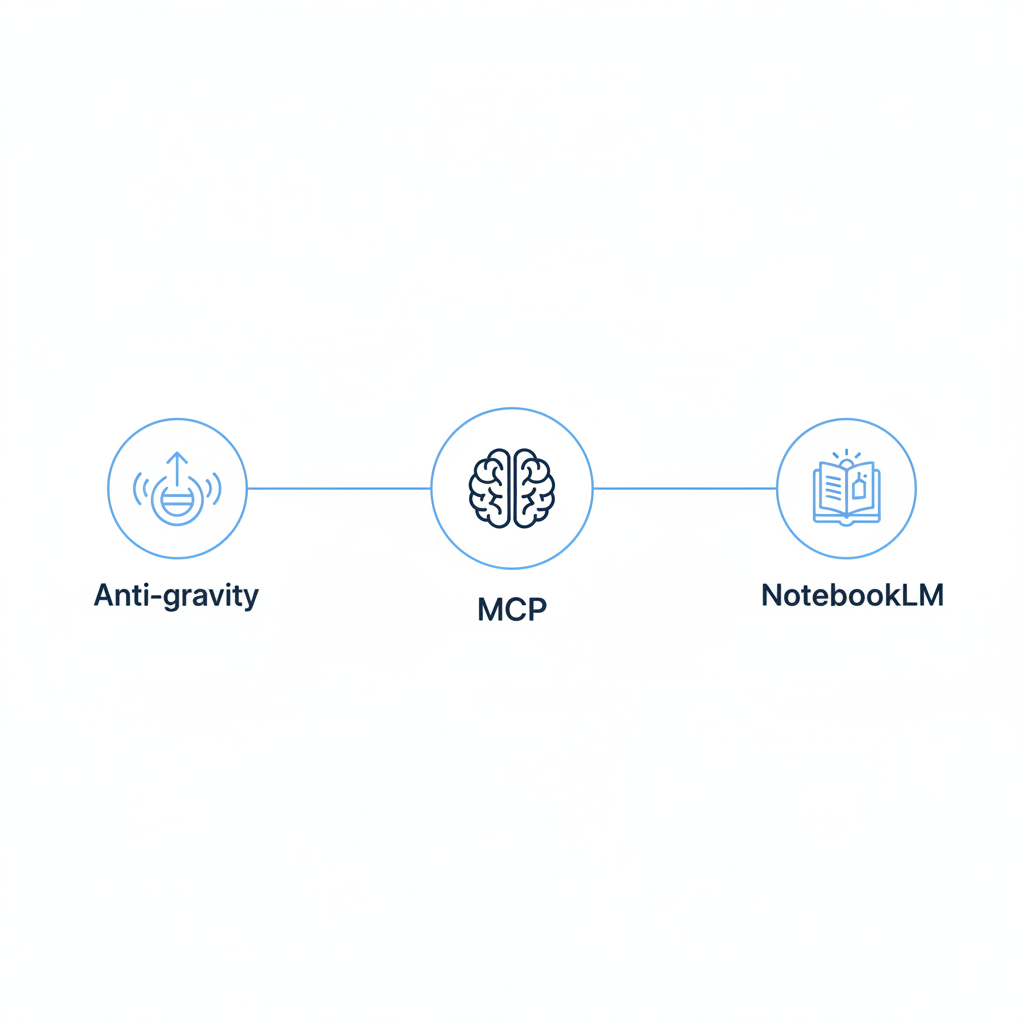
The first step is to establish a connection between the two platforms using the Model Context Protocol (MCP). This enables Anti-gravity to send commands to NotebookLM, such as creating new notebooks or running queries.
1. Install the NotebookLM MCP Server
To begin, open your workspace in Anti-gravity. The connection is not available by default and must be installed using a specific prompt. When you provide the installation prompt to the Anti-gravity agent, it will check your system and begin the setup process. If any dependencies are missing, the agent will typically install them automatically.
2. Authorize the Connection
During the installation, Anti-gravity will open a new browser window and prompt you to sign into your NotebookLM account. This process uses your browser credentials to authorize the MCP connection, allowing Anti-gravity to securely access and manage your notebooks. Once you sign in, the configuration is complete, and the NotebookLM MCP will appear in your list of managed servers within Anti-gravity.
A 5-Level Workflow for Mastering the Integration
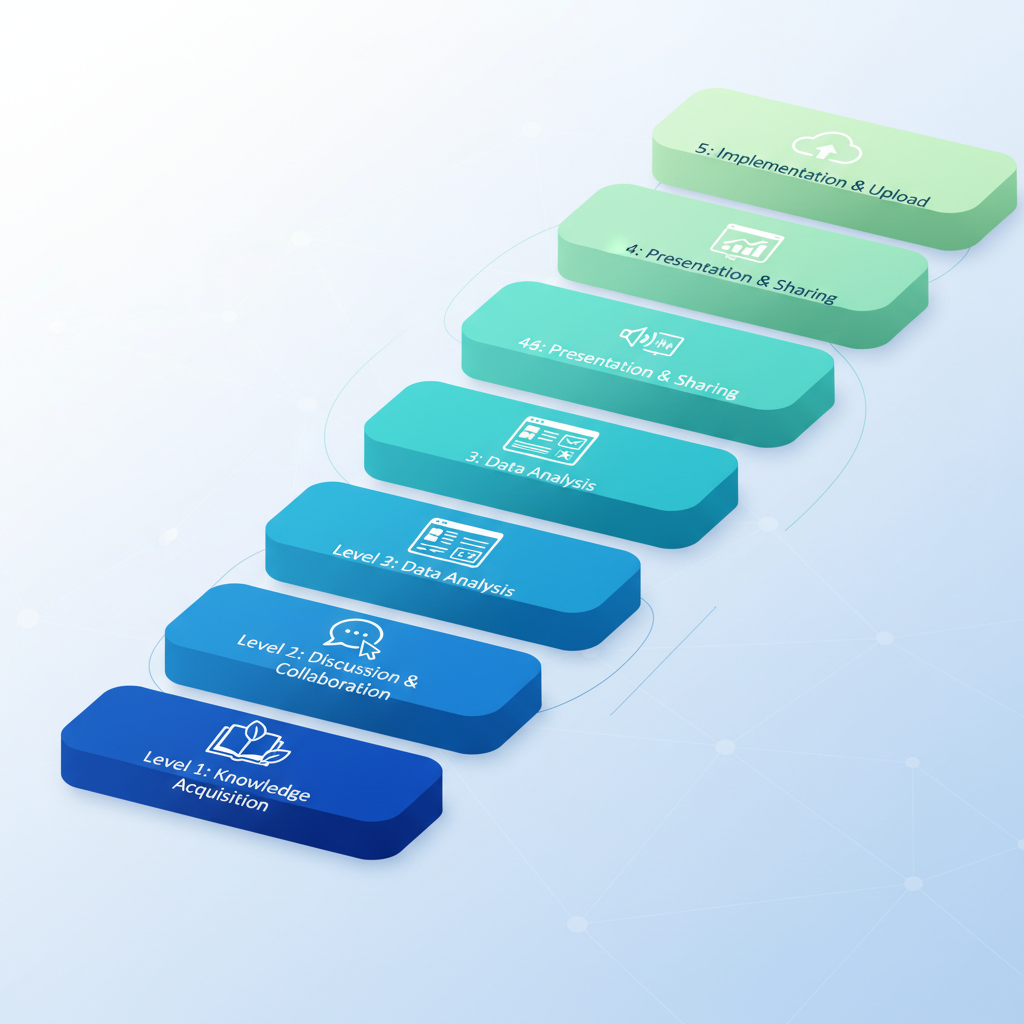
Once connected, you can leverage the combined power of these tools through a progressive, five-level workflow. Each level builds on the last, unlocking more complex and powerful automations.
Level 1: Programmatically Creating Research Notebooks
Instead of manually creating notebooks, you can instruct Anti-gravity to do it for you. Start by defining a topic you want to research. You can ask Anti-gravity to generate a list of subtopics and then command it to create a separate, expert notebook for each one using NotebookLM's deep research function. This process programmatically generates comprehensive knowledge bases, each containing dozens of high-quality sources, without any manual intervention.
Level 2: Querying Notebooks and Contextualizing Projects
With your notebooks created, you can use Anti-gravity as a single interface to ask questions across your entire knowledge base. To enhance the relevance of the responses, create a context file (e.g., about-me.md) in your Anti-gravity project. This file can contain information about your business, goals, or personal preferences. By instructing Anti-gravity to reference this file when querying NotebookLM, you ensure the research and advice you receive are tailored to your specific needs.
Level 3: Building Applications from Your Knowledge Base
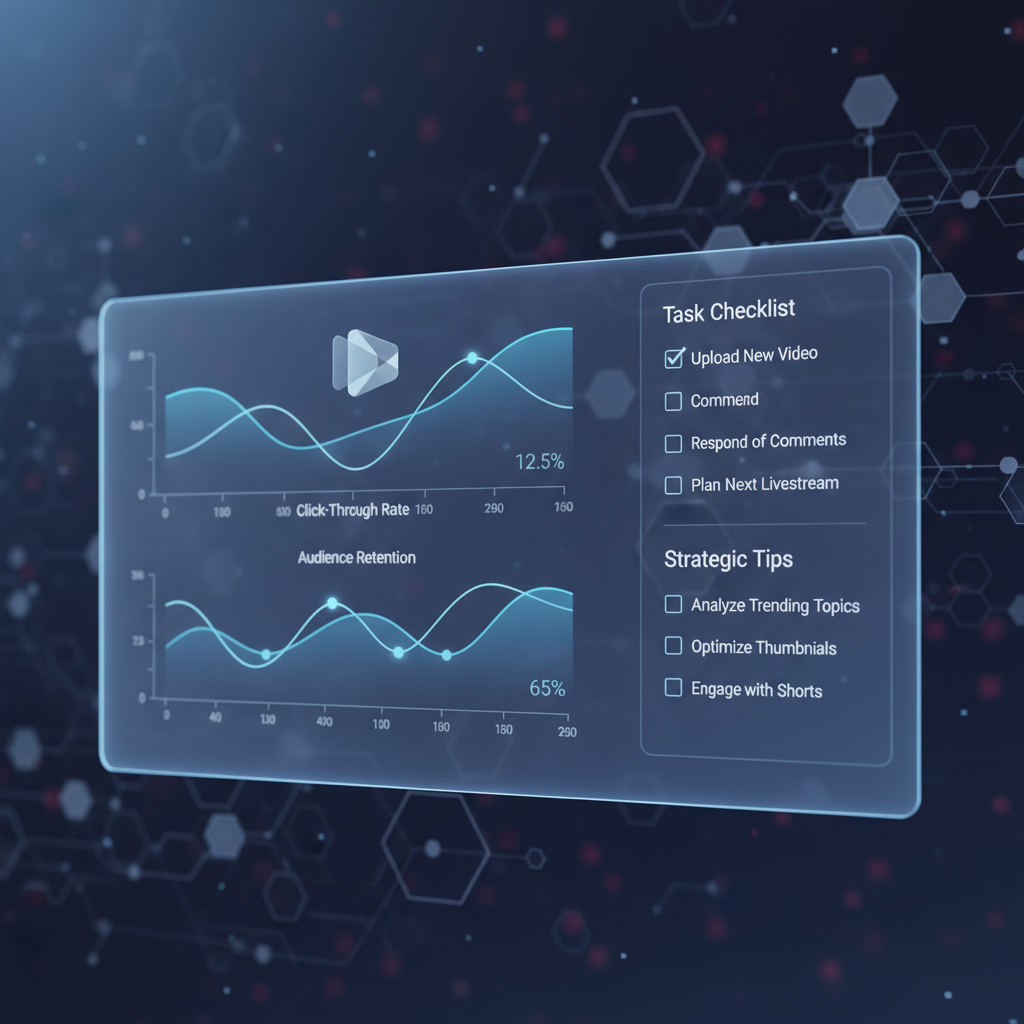
This is where the integration transforms from a research tool into a development platform. You can instruct Anti-gravity to build applications, such as an interactive HTML dashboard, using the information stored in your notebooks. For example, based on notebooks about YouTube growth strategies, Anti-gravity can generate a 'Command Center' dashboard with checklists, metric trackers (CTR, AVD), and strategic advice, all populated with expert knowledge sourced directly from NotebookLM.
Level 4: Automating Content Creation
NotebookLM has native features to generate different content formats, and through the MCP connection, you can trigger these from Anti-gravity. Programmatically create audio overviews, slide deck presentations, reports, or mind maps based on the content of any notebook. This is incredibly efficient for turning deep research into ready-to-use assets for learning, presentations, or content marketing.
Level 5: Uploading Local Files to Your Notebooks
Finally, you can enrich your notebooks with your own proprietary data. Anti-gravity can be instructed to take local files (such as text files or PDFs) from a specified folder in your project and upload them as resources into a NotebookLM notebook. If a file format like PDF is not directly supported by the MCP, Anti-gravity can execute a script to convert it to a compatible text format before uploading. This allows you to create a searchable knowledge base from internal documents, client meeting notes, or SOPs.
Common Mistakes to Avoid
To get the most out of this integration, be mindful of these common pitfalls.
- Neglecting Context Files: Failing to provide a context file (
about-me.mdorbusiness-brain.md) results in generic, less actionable outputs. Always give the AI specific information about your project to get tailored results. - Manual Repetition: Avoid manually creating notebooks or importing sources one by one. The core benefit here is automation; use Anti-gravity to programmatically handle these repetitive tasks.
- Ignoring Skills for Codification: If you find yourself giving the same complex instructions repeatedly, codify them into an Anti-gravity Skill (
skill.md). This creates a reusable instruction manual for the AI, saving time and ensuring consistency. - Underutilizing the Agent Manager: For complex projects, don't rely on a single chat window. Use the Agent Manager to spin up multiple agents that can work on different parts of a problem simultaneously, such as one agent researching while another builds an application.
Related Tools
Frequently Asked Questions
What is the main benefit of connecting NotebookLM to Anti-gravity?
The primary benefit is leveraging vast, external knowledge bases within Anti-gravity without the high performance and token costs associated with loading large files directly. This enables more powerful, scalable, and cost-effective AI automation and application development.
What is the Model Context Protocol (MCP)?
The Model Context Protocol (MCP) is a framework that allows Anti-gravity to connect to and control other applications. It functions like a universal remote, enabling the AI agent in Anti-gravity to perform actions in external tools like NotebookLM.
Can I use my own local documents with this integration?
Yes. You can place local files, such as text documents or PDFs, into your Anti-gravity project folder. You can then instruct Anti-gravity to upload these files to a specified notebook in NotebookLM, even converting them to a compatible format if necessary.
How can I make the AI's output more relevant to my specific business?
Create a context file (e.g., `business-context.md`) in your Anti-gravity project that details information about your business, target audience, goals, and brand voice. Then, instruct the AI to reference this file whenever it performs a task, ensuring the output is tailored to your needs.
What kind of applications can be built with this integration?
You can build a wide range of applications, from interactive HTML dashboards and data visualizers to compliance checkers and content generation tools. The application leverages the deep knowledge stored in NotebookLM, allowing you to create tools based on expert-level research.
Key Terms
- Anti-gravity
- A conceptual platform for building AI-powered applications, websites, and automated systems. It serves as a central 'builder' and command interface.
- NotebookLM
- A conceptual tool from Google designed for research and knowledge management. It ingests various sources to create a conversational, queryable knowledge base.
- Model Context Protocol (MCP)
- A protocol that enables different applications and AI models to communicate and interact. It allows a primary tool like Anti-gravity to control functions in a secondary tool like NotebookLM.
- MCP Server
- A specific connector or script that implements the Model Context Protocol for a particular application, enabling it to be managed by another system.
- Skill
- In the context of Anti-gravity, a set of repeatable, codified instructions, often stored in a `skill.md` file. It defines how the AI agent should behave or perform a specific, recurring task.
- Agent Manager
- A feature within Anti-gravity that allows a user to deploy and manage multiple AI agents simultaneously within the same project. This facilitates parallel processing of complex tasks.