
How to Use a Personal AI Agent for Advanced Workflow Automation
Personal AI agents represent a significant evolution from standard chatbots, offering persistent memory and direct control over your computer's applications and files. This guide explains how these agents work, their practical applications, and how you can set one up to automate complex personal and professional workflows.

Sections
What is a Personal AI Agent?
A personal AI agent is a sophisticated software program designed to act as an autonomous assistant that resides on a local computer or private server. Unlike conventional AI chatbots or voice assistants that operate within a closed ecosystem and forget context after each interaction, a personal AI agent maintains a persistent memory. This allows it to learn from past conversations, build context over time, and execute tasks proactively.
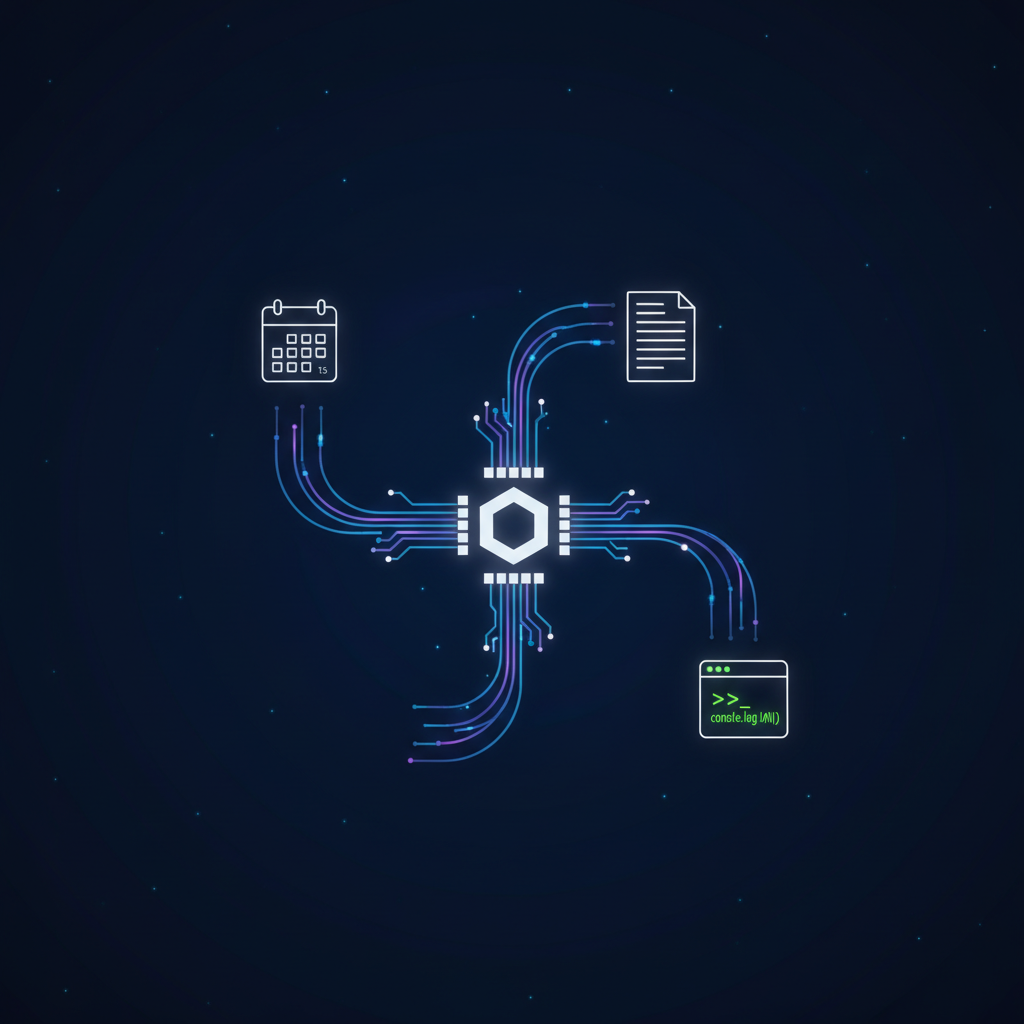
Key Differentiators: Memory and Proactive Action
The primary distinction of a personal AI agent lies in two core features: long-term memory and the ability to initiate actions. While a typical chatbot requires a prompt to respond, an AI agent can be configured to perform scheduled tasks, such as sending a daily morning briefing or monitoring information sources. Its persistent memory enables it to connect new information with past data, creating detailed notes, summaries, and analyses without needing to be reminded of the context for every request.
Direct System Control: Beyond APIs
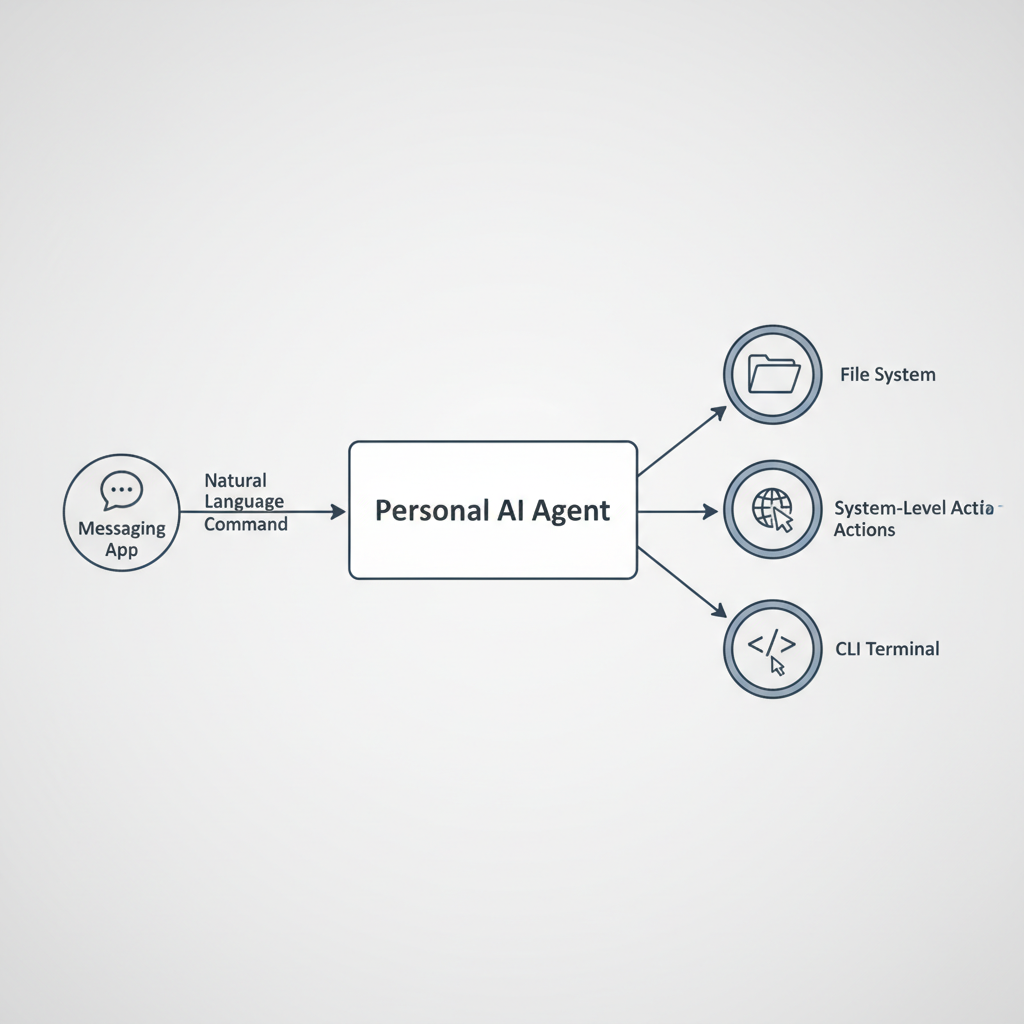
Perhaps the most powerful capability of a personal AI agent is its direct access to the host computer's operating system. It can interact with the command-line interface (CLI), manage files, open applications, and execute scripts. This level of integration allows for automation that is not possible with API-limited tools. For example, an agent can be instructed to install a new piece of software from a repository, run a local script, and integrate it into its own skillset, all from a simple natural language command sent via a messaging app.
Core Capabilities and Common Use Cases
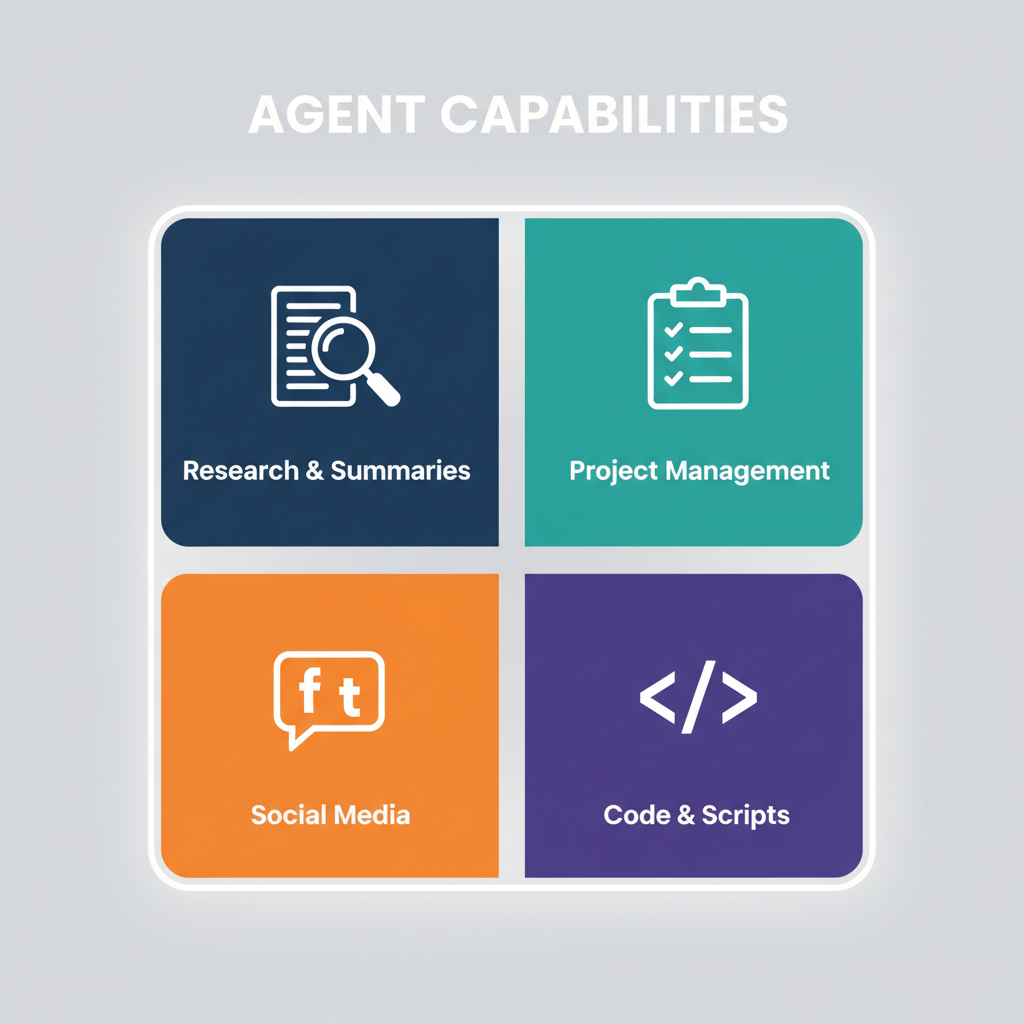
The ability to combine memory, proactivity, and system control unlocks a wide range of automation possibilities. These agents can be customized to handle highly specific tasks tailored to an individual's workflow.
Information Management and Research
An AI agent can act as a powerful research assistant. When you send it a link to an article or a research paper, it can read the content, provide a summary, and identify key takeaways. More importantly, it can contextualize this new information by relating it to past topics you've discussed, automatically organizing insights into a centralized knowledge base. This eliminates the manual work of bookmarking and note-taking.
Task and Project Management
By integrating with calendars and communication tools, the agent can streamline daily management. It can provide morning briefings summarizing your schedule, transcribe voice notes into actionable tasks in your to-do list, and even follow up with team members on project updates. Because it operates within your private system, it can be added to group chats to monitor progress and send reminders, functioning as a project manager.
Content and Social Media Automation
For content creators and marketers, an AI agent can automate parts of the content lifecycle. It can be tasked with generating social media post ideas, drafting content based on recent research, and even publishing posts directly to platforms like X (formerly Twitter). It can also monitor specific topics or keywords online and alert you to relevant conversations.
Advanced Technical Automation
Developers and technically advanced users can leverage the agent’s CLI access for complex tasks. This includes setting up development environments, installing software packages, running tests, and managing local servers. For instance, you could ask the agent to install a text-to-speech engine, configure it, and make it available as a new skill for sending you audio summaries.
A Step-by-Step Guide to Setting Up Your AI Agent
Deploying a personal AI agent involves a technical setup process, but the workflow can be broken down into clear steps. The goal is to create a persistent, always-on assistant tailored to your specific needs.
Step 1: Choose Your Hosting Environment
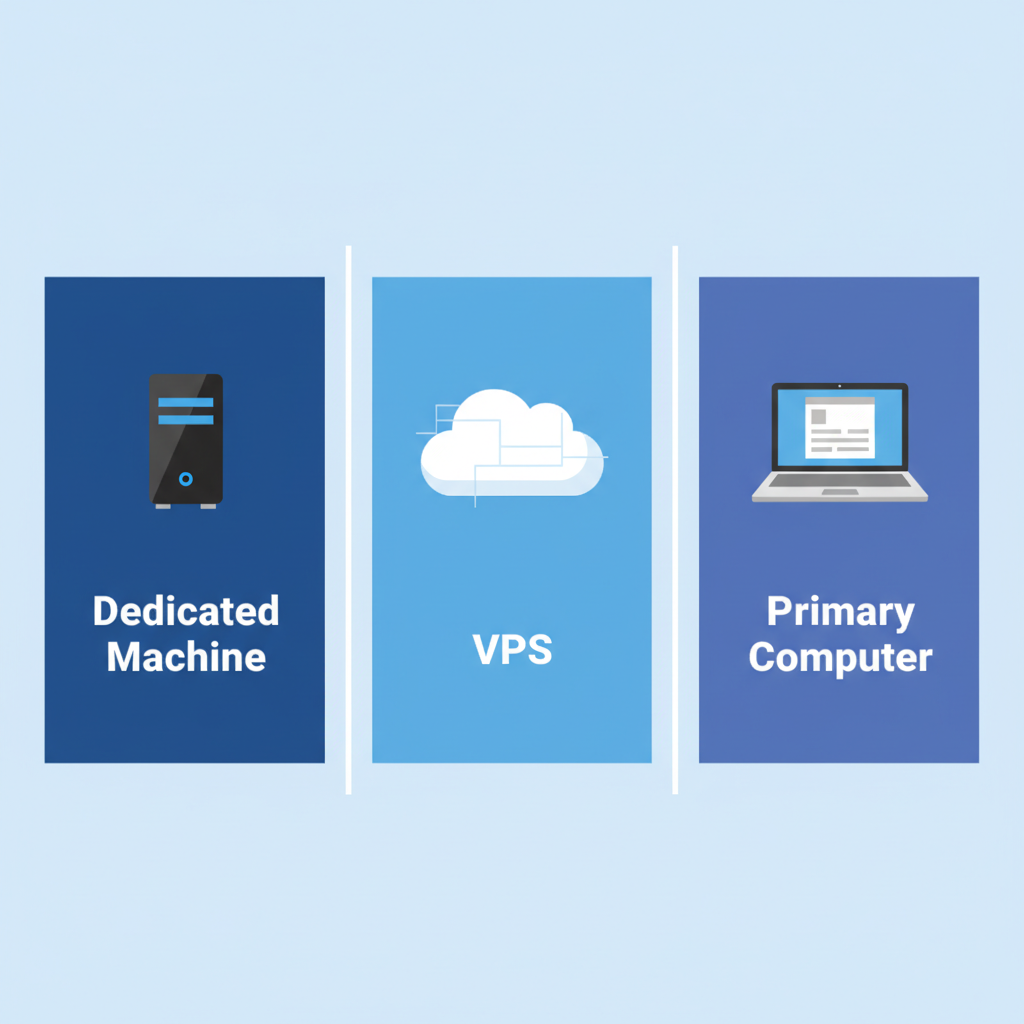
The agent needs a computer to run on continuously. You have several options:
- Dedicated Local Machine: A device like a Mac Mini is a popular choice because it can remain on 24/7, run local AI models efficiently, and integrate tightly with an existing ecosystem of apps and files.
- Virtual Private Server (VPS): For a more flexible and accessible solution, you can rent a cloud-based VPS. This keeps the agent running without occupying a physical machine and can be accessed from anywhere.
- Primary Computer/Laptop: While possible, running the agent on your main laptop is less ideal, as it must be on and connected to the internet for the agent to function.
Step 2: Install and Configure the Agent Software
Most personal AI agents are open-source projects available on platforms like GitHub. The installation process typically involves cloning the repository, installing dependencies, and configuring a primary settings file. This is where you will add API keys for the large language models (LLMs) and third-party services you want the agent to use.
Step 3: Define Workflows with Natural Language
Once the agent is running, you begin 'training' it by describing your desired workflows in plain English. Instead of building flowcharts with nodes and triggers like in traditional automation platforms, you simply state your intent. For example: 'Every morning at 8 AM, check my calendar for the day, summarize my appointments, and send the summary to me on Telegram.'
Step 4: Integrate with Everyday Apps
The core of the agent's utility comes from its integrations. Connect it to your preferred messaging app (e.g., Telegram, WhatsApp, Discord) to serve as the primary communication interface. Then, grant it access to other tools through APIs or direct system control, such as your email client, calendar, note-taking app, and browser.
Step 5: Implement Scheduled and Triggered Tasks
Use the agent's scheduling capabilities (often based on cron jobs) to create proactive, recurring automations. These can range from daily briefings and weekly reports to real-time alerts. Triggers can also be set up, such as having the agent automatically process any file dropped into a specific folder.
Comparing an AI Agent to a Human Assistant
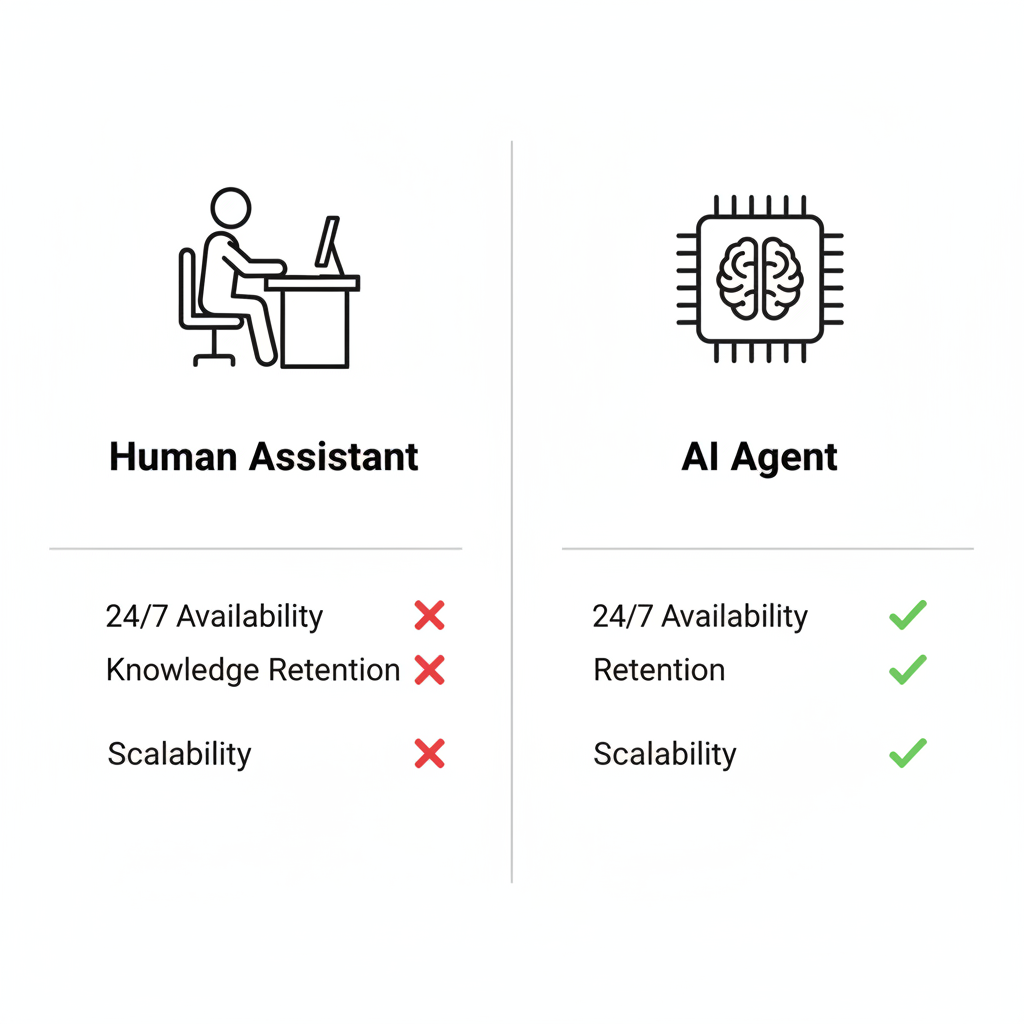
Setting up an AI agent shares conceptual similarities with hiring and training a human assistant, but with distinct advantages in scalability and consistency.
Onboarding and Training
With a human assistant, training involves verbal instructions, documentation, and a period of adjustment. With an AI agent, training is done by providing it with instructions, skills, and access to tools. This knowledge is stored permanently and executed with perfect consistency.
Cost and Availability
An AI agent has an initial setup cost (time and potentially hardware/server fees) and ongoing API expenses, which are typically far lower than an assistant's salary. The agent operates 24/7 without breaks, vacations, or sick days.
Knowledge Retention
A significant challenge with human assistants is knowledge loss when they leave a position. All the training and workflow familiarity is lost. An AI agent, however, retains all its programming and learned context indefinitely. The time invested in customizing its skills provides a permanent return.
Potential Challenges and Considerations
While powerful, deploying a personal AI agent comes with important considerations, particularly regarding security and maintenance.
Security Best Practices
Granting an AI full control over your computer introduces security risks. It is highly recommended to run the agent on a dedicated machine or a sandboxed environment to limit its access to sensitive personal files. As the technology is still emerging, users should stay informed about security updates and best practices from the developer community.
Installation and Technical Skill
The setup process for most current AI agents requires a degree of technical proficiency, including comfort with the command line and managing configuration files. While this barrier is likely to lower over time, early adoption is best suited for those willing to engage with the technical setup.
Related AI Resources
Frequently Asked Questions
What is the main difference between a personal AI agent and a standard chatbot?
The key differences are persistent memory, proactivity, and direct system control. Unlike chatbots that forget context, an AI agent remembers past interactions and can initiate tasks on a schedule, as well as control local files and applications on your computer.
Do I need a specific computer like a Mac Mini to run an AI agent?
No, a Mac Mini is not required. While a dedicated, always-on machine is ideal, you can also run an AI agent on a Virtual Private Server (VPS) in the cloud or even your primary laptop, though the latter must remain on to function.
How does a personal AI agent remember information?
The agent stores conversation logs, contextual data, and user-defined instructions in local files on its host machine. This creates a persistent, long-term memory that it can reference in future tasks and conversations to provide more relevant and accurate assistance.
Is it secure to give an AI agent control over my computer?
Granting system-level access carries inherent security risks. The recommended best practice is to run the agent on a dedicated machine or in an isolated (sandboxed) environment to limit its potential access to sensitive personal or work data.
Can this type of AI be used to manage team tasks?
Yes. By integrating an AI agent into group messaging platforms like Discord or Telegram, it can function as a project manager. It can be tasked to send reminders, follow up on deadlines, and provide status updates to team members automatically.
Key Terms
- AI Agent
- An autonomous software program that perceives its digital environment and takes action to achieve predefined goals, often featuring persistent memory and proactive capabilities.
- CLI (Command-Line Interface)
- A text-based user interface for interacting with a computer's operating system, allowing for powerful scripting and automation.
- VPS (Virtual Private Server)
- A cloud-based computing resource that functions like a dedicated physical server, providing an ideal environment for running an always-on AI agent.
- API Key
- A unique authentication token that grants an application access to a specific API, enabling it to use services like large language models or third-party software.
- Cron Job
- A standard utility on Linux-based systems used to schedule scripts or commands to run automatically at a specified time and date.
- TTS (Text-to-Speech)
- Technology that converts written digital text into spoken audio, which can be used by an AI agent to provide audio summaries or alerts.
- GitHub
- A web-based platform for version control and collaboration, commonly used to host and distribute open-source software projects like personal AI agents.